
Meet your AI email assistant that actually works
Swipe Inbox organizes your inbox and calendar, drafts replies in your voice, and keeps it clean effortlessly. Never miss an important email again.
Works with
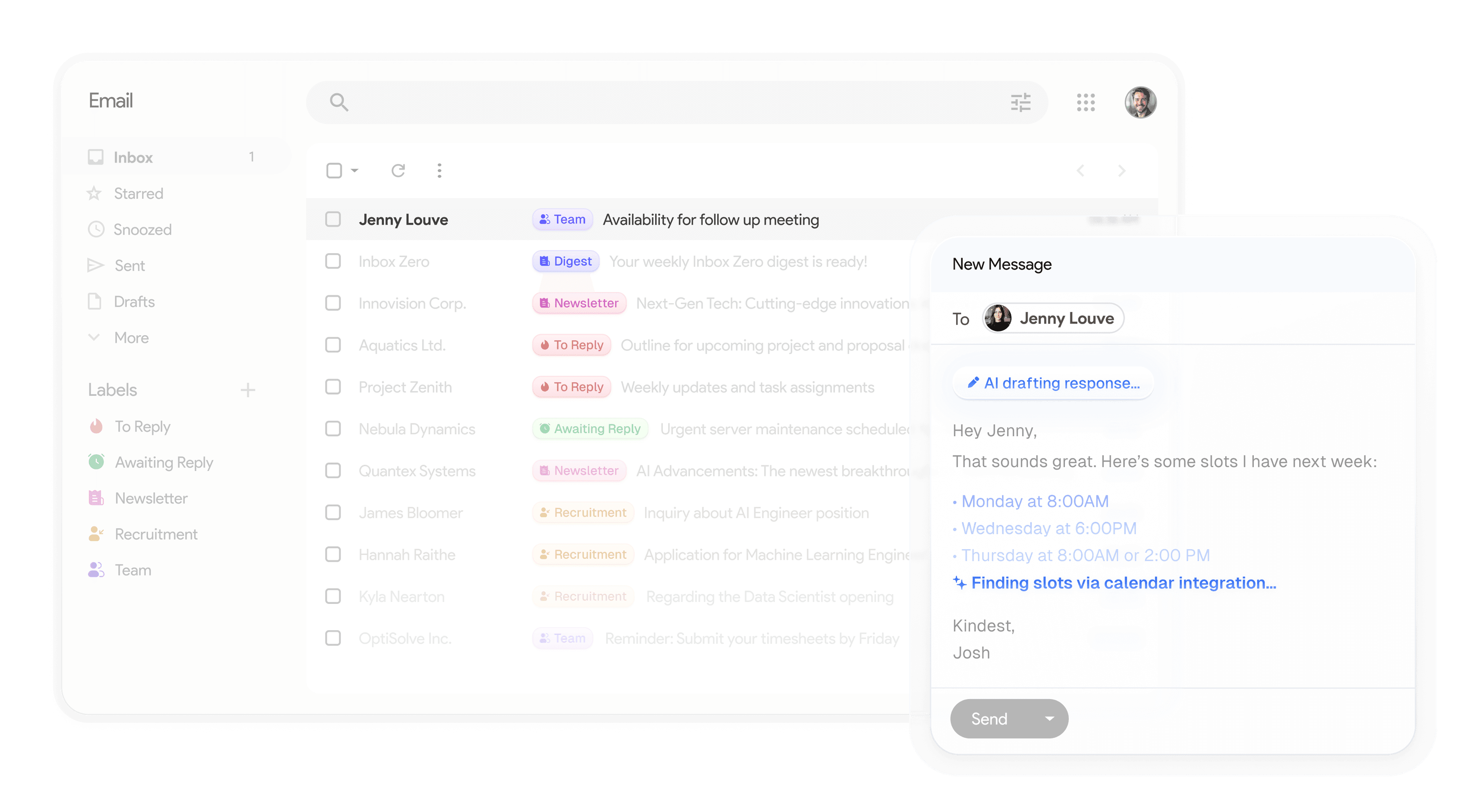
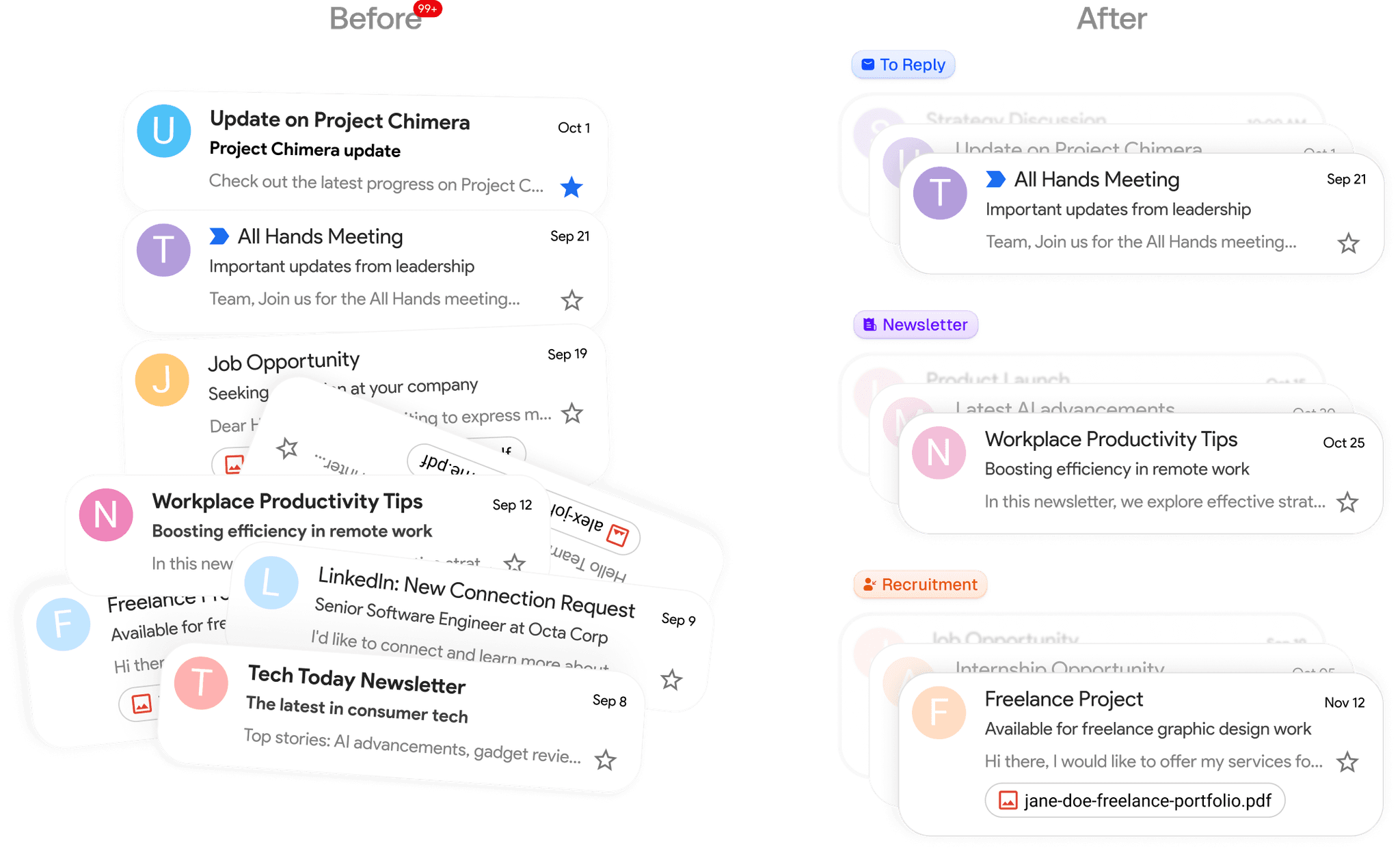
Automatically organized.
Never miss an important email again.
Drowning in emails? Don't waste energy trying to prioritize your emails. Our AI assistant will label everything automatically.
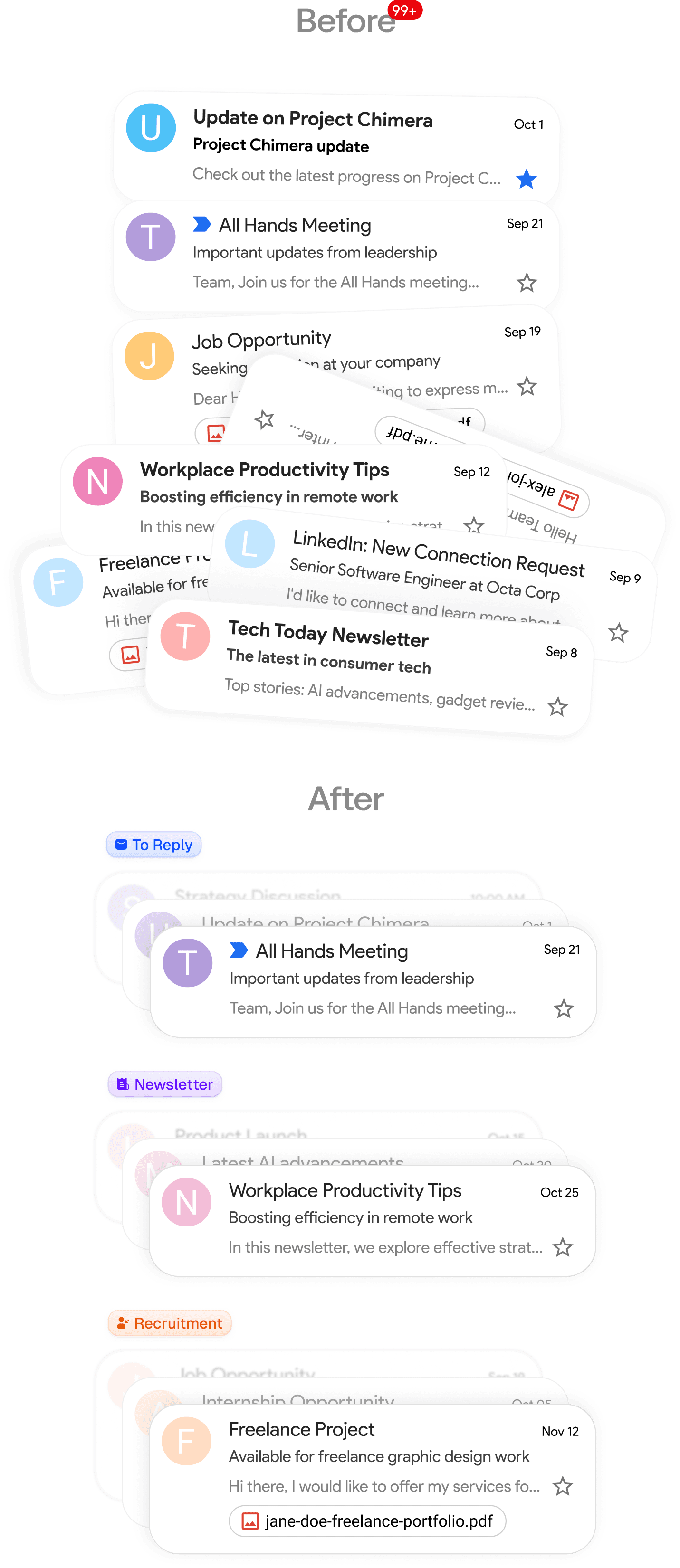
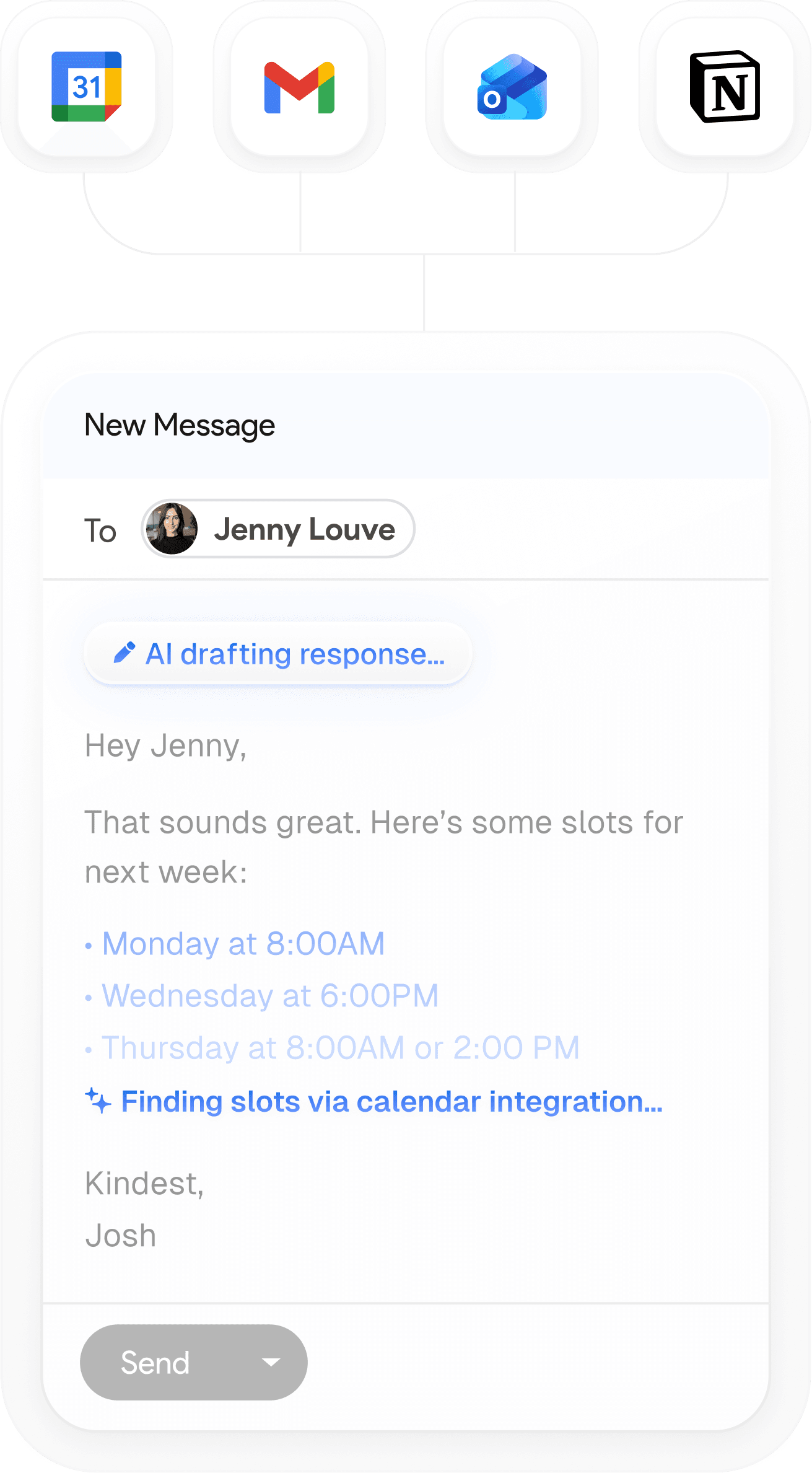
Pre-written drafts waiting in your inbox
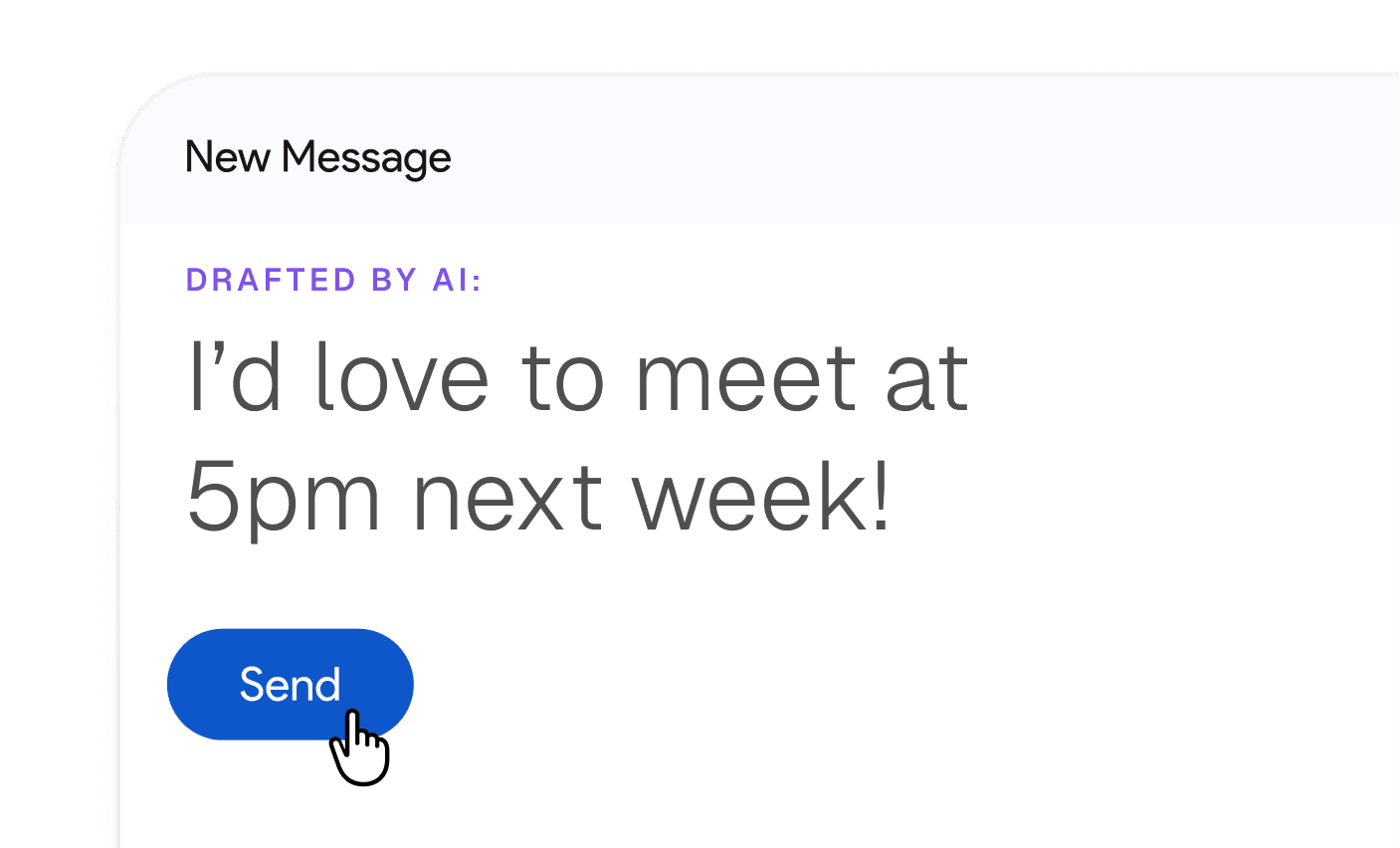
When you check your inbox, every email needing a response will have a pre-drafted reply in your tone, ready for you to send.
Get started in minutes
One-click setup. Start organizing and drafting replies in minutes.
STEP 1
Connect your Google or Microsoft email
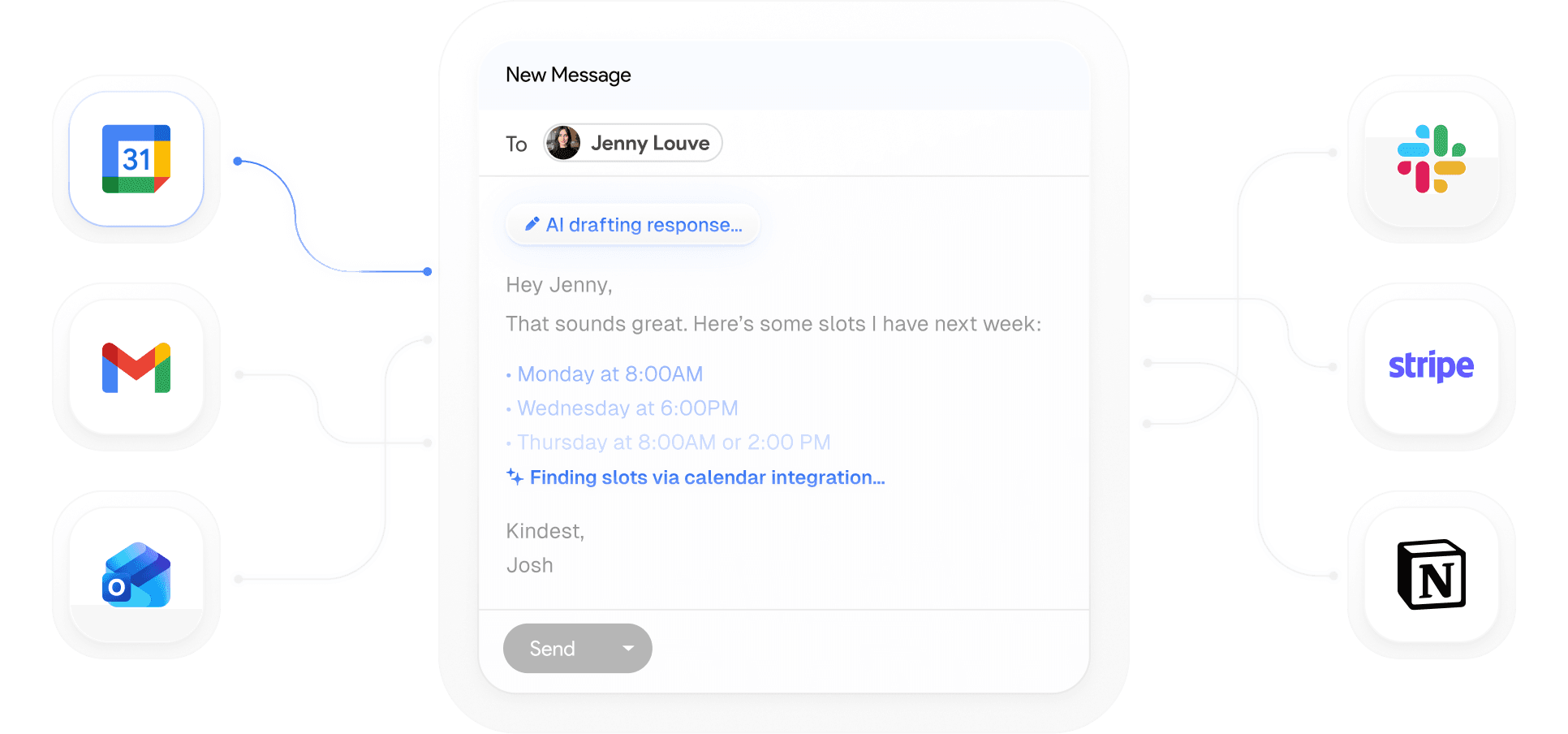
Link your Gmail or Outlook in two clicks to get started.
STEP 2
Organizes your inbox exactly how you want it
Smart categories set up automatically. Use our categories or create your own.
Newsletter
To Reply
Marketing
Calendar
Notification
Cold Email
Team
Urgent
STEP 3
Pre-drafted replies based on your email history and calendar
Every email you get needing a reply will have a pre-written draft.
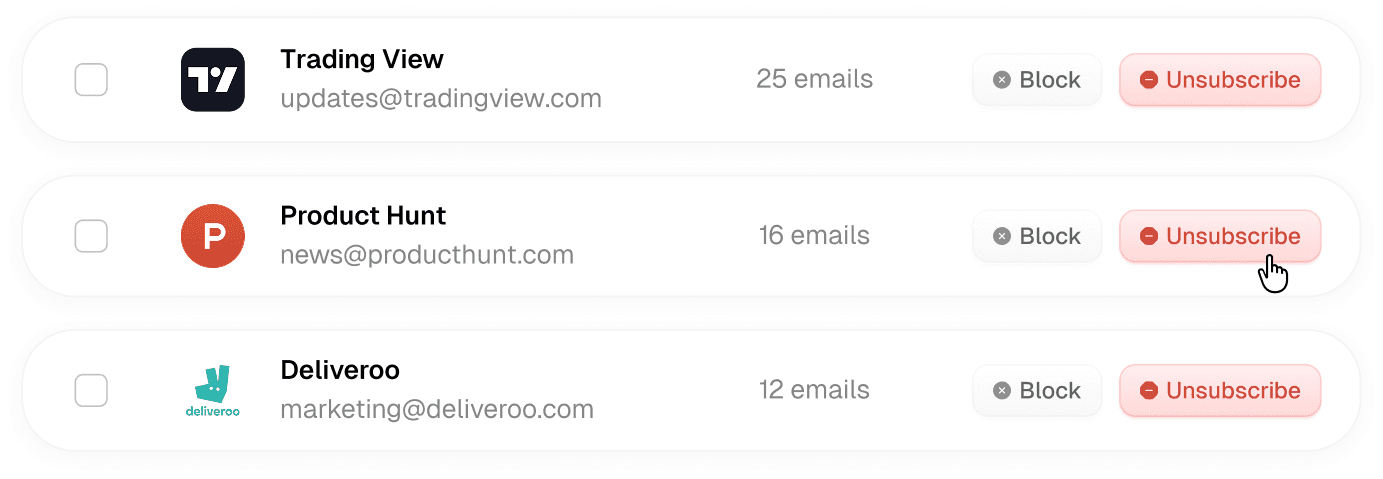
Clean up your inbox fast.
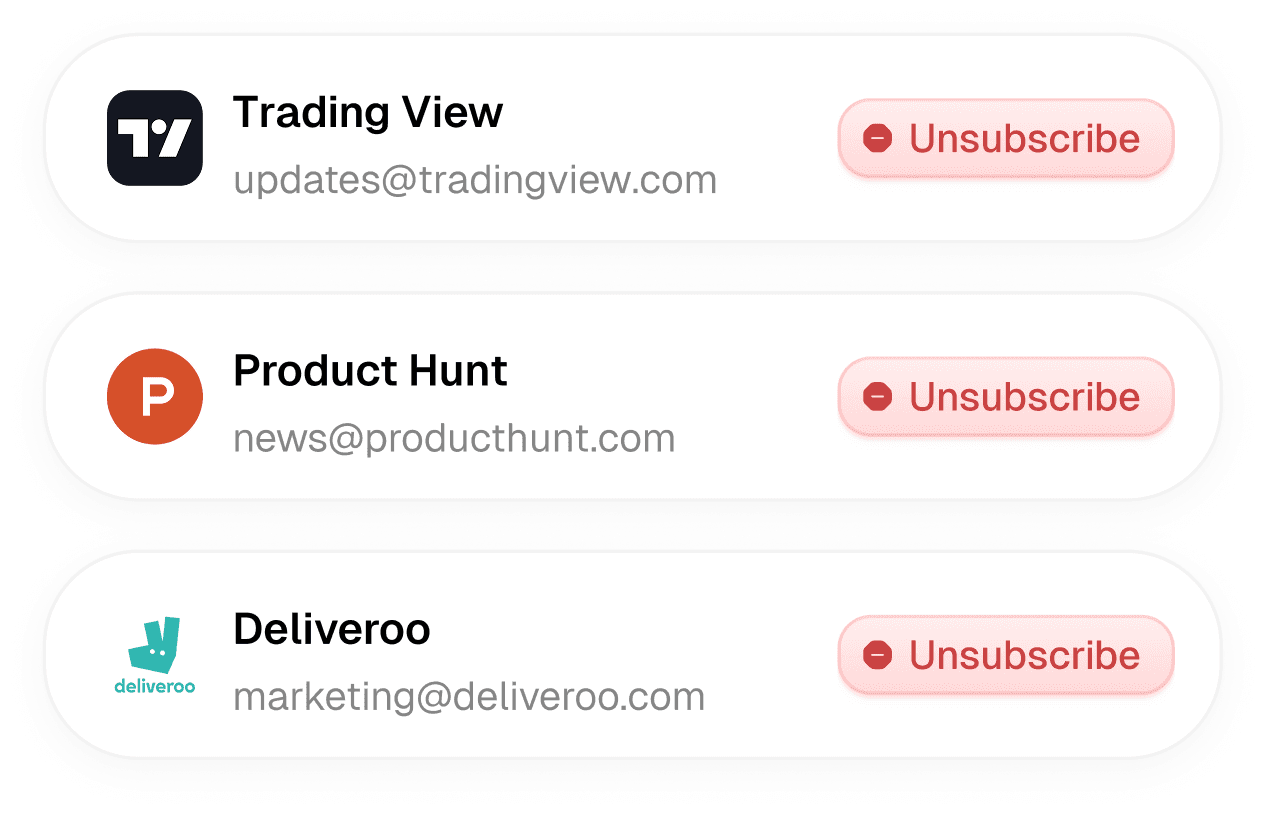
Bulk unsubscribe from emails you never read.
See which emails you never read, and one-click unsubscribe and archive them.
Designed around how you actually work
Flexible enough to fit any workflow. Simple enough to set up in minutes.
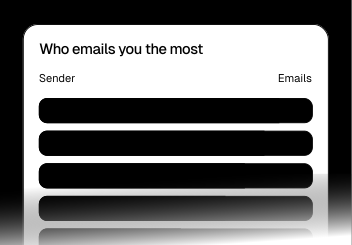
Email analytics. What gets measured, gets managed
See who emails you most and what's clogging your inbox. Get clear insights, then take action.
Drafts that know your schedule and availability
Connects to your calendar and CRM to draft emails based on your actual schedule and customer data.
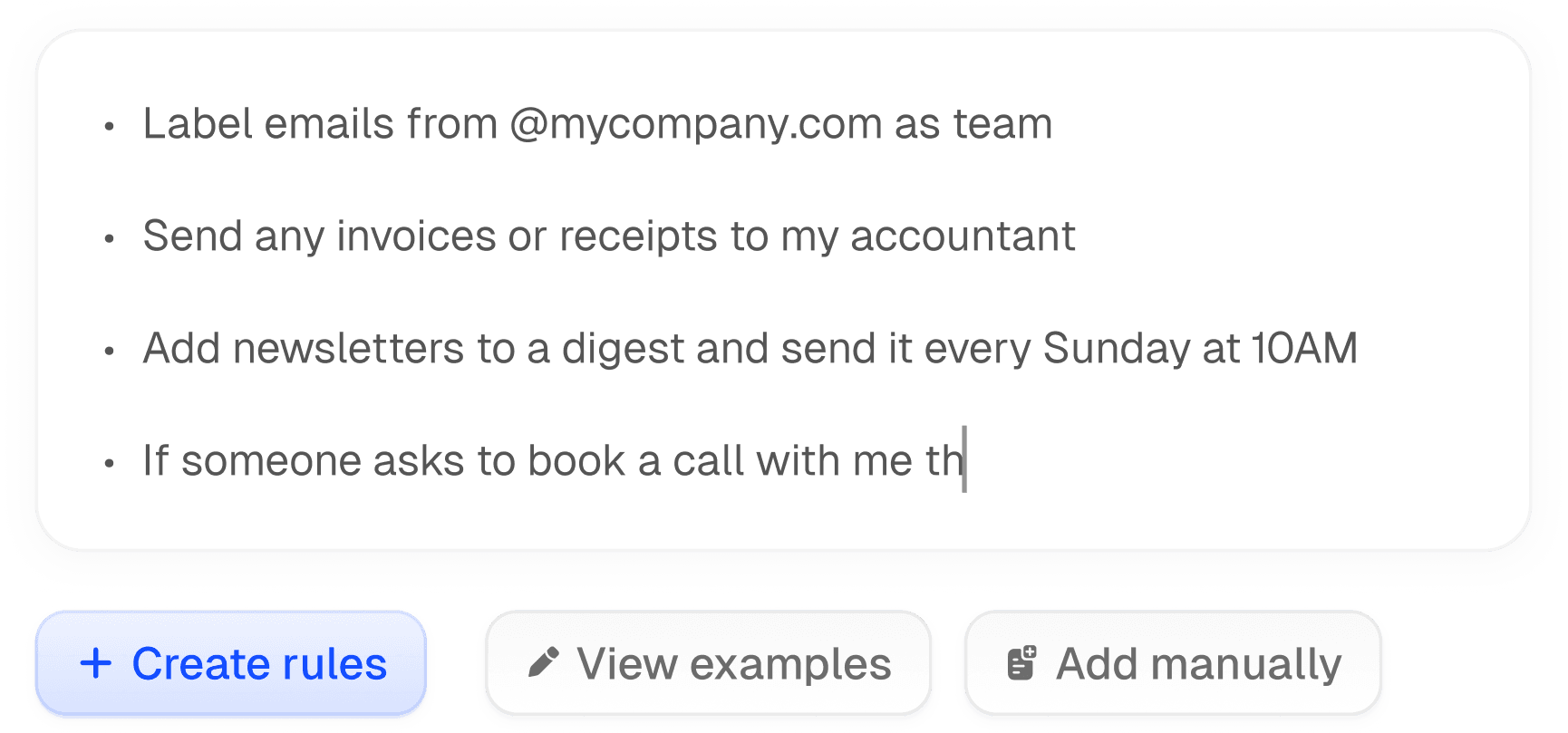
Built to fit your workflow. Customize in plain English
Your inbox, your rules. Configure everything in plain English. Make it work the way you actually work.
Try for free, affordable paid plans
No hidden fees. Cancel anytime.
Beta: FREE
Starter
For individuals, entrepreneurs, and executives looking to buy back their time.
FREE
normally $18/mo
- Sorts and labels every email
- Drafts replies in your voice
- Blocks cold emails
- Bulk unsubscribe and archive emails
- Email analytics
- Pre-meeting briefings
Coming Soon
Plus
For power users who need integrations and deeper knowledge base support.
$28
/user /month
Everything in Starter, plus:
- 2 email accounts included per user
- Slack integration
- Auto-file attachments
- Unlimited knowledge base
Beta: 50% OFF
Popular
Professional
For teams and growing businesses handling high email volumes.
$42
$21
/user /month
Everything in Plus, plus:
- Team-wide analytics
- Priority support
- Dedicated onboarding manager
Get back an hour a day.
Start using Swipe Inbox.
Less time in your inbox. More time for what actually matters.
Frequently asked questions
- Which email providers does Swipe Inbox support?
We support Gmail, Google Workspace, and Microsoft Outlook email accounts.
- How can I request a feature?
Email us or post an issue on GitHub. We're happy to hear how we can improve your email experience.
- Will Swipe Inbox replace my current email client?
No! Swipe Inbox isn't an email client. It's used alongside your existing email client. You use Google or Outlook as normal.
- Is the code open-source?
Yes! You can see the entire source code for the inbox zero app in our GitHub repo.
- Do you offer refunds?
Yes, if you don't think we provided you with value send us an email within 14 days of upgrading and we'll refund you.
- Can I try Swipe Inbox for free?
Absolutely, we have a 7 day free trial on all of our plans so you can try it out right away, no credit card needed!